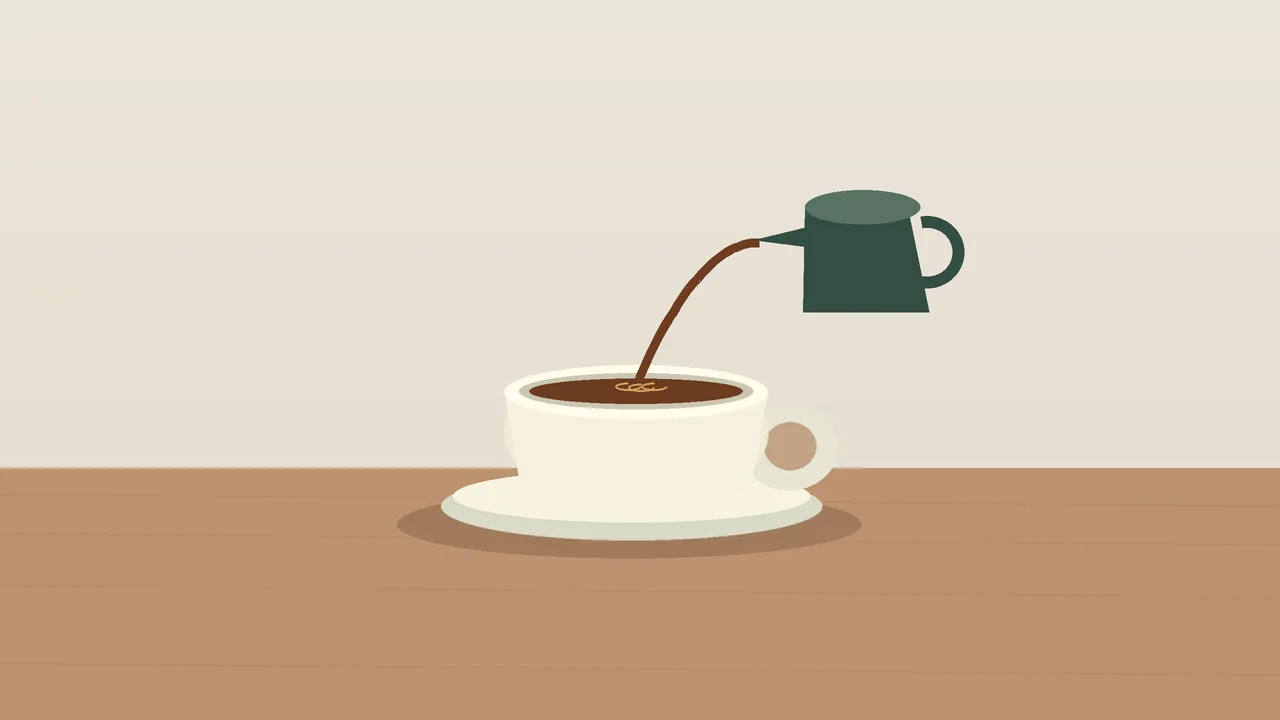
A cup lands, coffee pours, a spoon taps the rim. Those three moments give you a simple sound-design brief for a silent animation, product reel or game cinematic.
You can ask a model to score the whole clip, or generate separate effects and place them yourself. We tried both on the same eight-second animation. The useful distinction is control: can you move one impact without rebuilding everything else?
Try the automatic version
MMAudio generates audio conditioned on video and text. Give it the silent clip and describe the scene:
A small ceramic cup lands gently on a ceramic saucer, coffee pours into the cup, then a metal teaspoon lightly touches the ceramic rim. Quiet indoor room ambience. Natural synchronized sound effects.
We used fal-ai/mmaudio-v2, eight seconds, seed 420, with music, speech, voices, singing and loud bangs in the negative prompt. This is an illustrated test scene, not a claim about how the model handles every kind of footage.
Description / transcript
First, MMAudio generates the complete soundtrack from the silent clip and scene prompt. Then the same clip plays with separate cup, pouring, spoon and room tracks. Compare the sounds at the visible contact moments.
The player compares the complete automatic output with our final layered mix, at matched playback loudness. Listen for contact timing, extra sounds and whether the materials fit. One example cannot establish a model winner.
Give each sound its own track
For the layered version, we generated four files with ElevenLabs Sound Effects: three actions and a quiet room bed. You can use these prompts with a sound model and place the files in any editor.
Cup contact, two-second generation:
One small ceramic espresso cup placed gently on a ceramic saucer. A single clean porcelain contact with short delicate resonance. Close microphone in a quiet kitchen. One contact only. No voices, music, pouring or additional impacts.
Pour, three-second generation:
A gentle continuous pour of coffee from a small pitcher into a ceramic espresso cup, close microphone, thin liquid stream and soft splashing. Starts immediately and lasts two seconds, then stops cleanly. No voices, music or cup impacts.
Spoon, two-second generation:
A single light metal teaspoon tap on the rim of a small ceramic espresso cup. One delicate high ceramic clink with a short natural ringing tail. No voices, music or repeated taps.
Room tone, eight-second generation:
Very quiet small kitchen room tone, soft steady indoor air, subtle warm room ambience. No distinct events, appliances, voices, footsteps, birds or music.
Keep the room quieter than the actions. Trim unwanted repeats and leading silence before mixing. Waveform analysis found a 0.37-second lead-in in our spoon file, which we trimmed. Audition the onset too: align the clink, not merely the file’s start.
| Cue | Visible timing | What to align |
|---|---|---|
| Cup | 2.00 seconds | First impact |
| Pour | 3.00–5.00 seconds | Start and stop of the stream |
| Spoon | 6.20 seconds | First clink |
| Room | Whole clip | Low continuous bed, with fades |
Download the editable project for the silent clip, original generations, prepared stems, cue sheet and mix recipes. Its HTML comparison opens locally after you unzip it. The animation source is included too.

In Voyager, point to the contact frame
Separate tracks help in any editor. Voyager adds a direct path from a comment on the video to the source recipe that controls the mix.
For this revision exercise, we deliberately placed the cup cue at 2.40 seconds, 12 frames late at 30 fps. In the actual desktop app, we paused at the cup’s contact frame, pinned a comment and sent it to the agent:
Align the cup impact with this contact frame and lower its volume from 0.65 to 0.50. Save mix-v2.json and export layered-v2.mp4. Preserve the pouring, spoon and room entries, all generated source files, mix-v1.json and layered-v1.mp4. Do not generate new audio.
Description / transcript
The initial cup effect is deliberately 12 frames late. A comment pinned at 2.00 seconds asks the agent to align the impact and lower its gain from 0.65 to 0.50. The agent updates the recipe, preserves the other tracks and exports a new video.
The agent moved the cup from 2.40 to 2.00 seconds and reduced its gain from 0.65 to 0.50. The other three recipe entries stayed identical; hashes confirmed that the stems and previous export were unchanged.
Under the hood, the review carries the video reference, timestamp and position. The agent edits the local FFmpeg recipe and renders a new export. The useful shortcut is that the visual note already identifies the moment; you do not need to prepare a separate screenshot and timecode handoff.
Make your next project in Voyager
Create an account, download Voyager, and start making.