The Voyager blog
Techniques
How-to and workflow: briefing, shot lists, upscaling, extending, captions, revisions.
Latest
16 articlesTechniques·Sep 30, 2026·3 min read
Turn a product photo into a website loop
Animate a product photo, keep its label readable and choose a cleaner loop point. Includes copyable prompts, a Voyager review demo and the source files.
Techniques·Sep 30, 2026·3 min read
Add a missing close-up without remaking your video
Add a new angle to an existing film with H3 Max Insert Video. Copy the prompt, check both joins, then use a pinned note in Voyager to direct the edit.
Techniques·Sep 30, 2026·4 min read
Put your real app inside an AI-generated product video
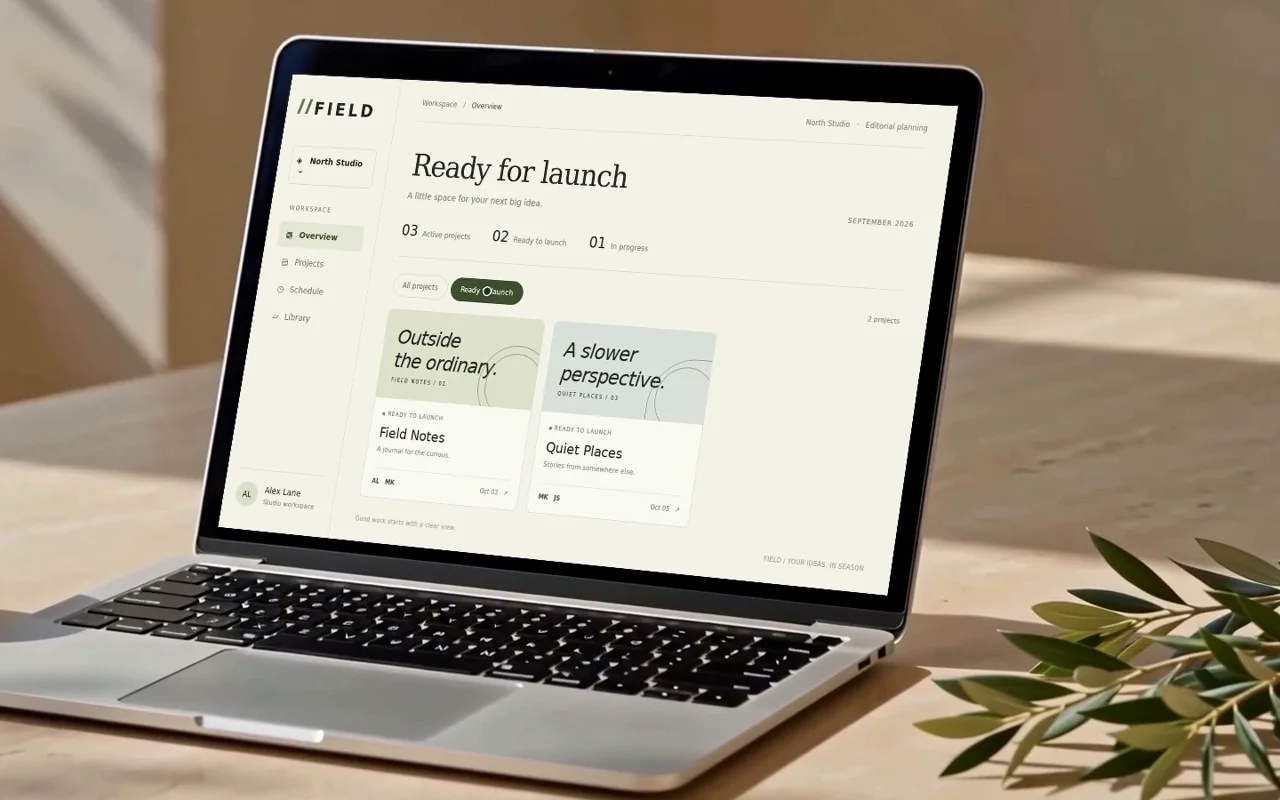
Keep your product UI readable in generated footage. Record a real interaction, track it into a laptop screen, then update the demo without regenerating the scene.
Techniques·Sep 30, 2026·4 min read
Is the cheaper video model actually cheaper?
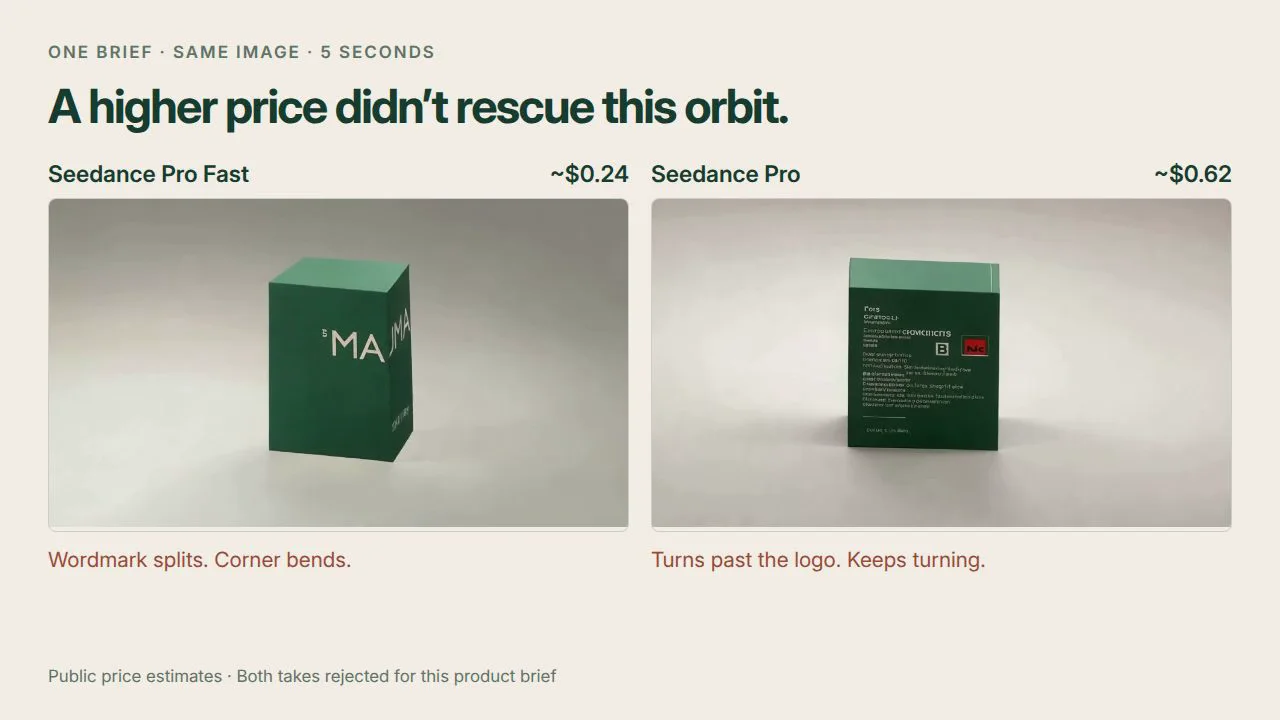
Compare AI video models by shots you can use. Two product briefs, four unedited takes, copyable prompts and an offline review kit.
Techniques·Sep 30, 2026·4 min read
One script, three ad styles, one edit
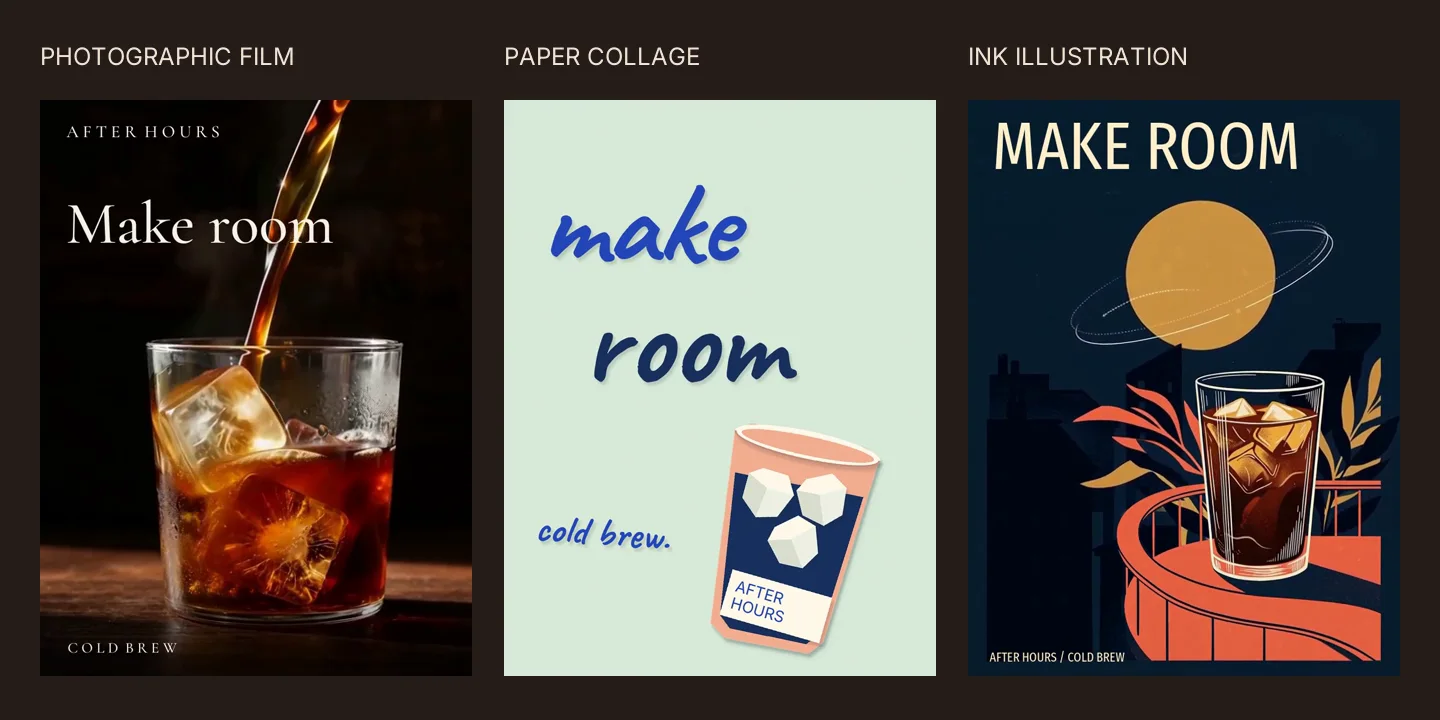
Make three ad treatments from one shared script, then change the offer once. Includes reusable prompts, a real Voyager demo and an editable offline project.
Techniques·Sep 29, 2026·3 min read
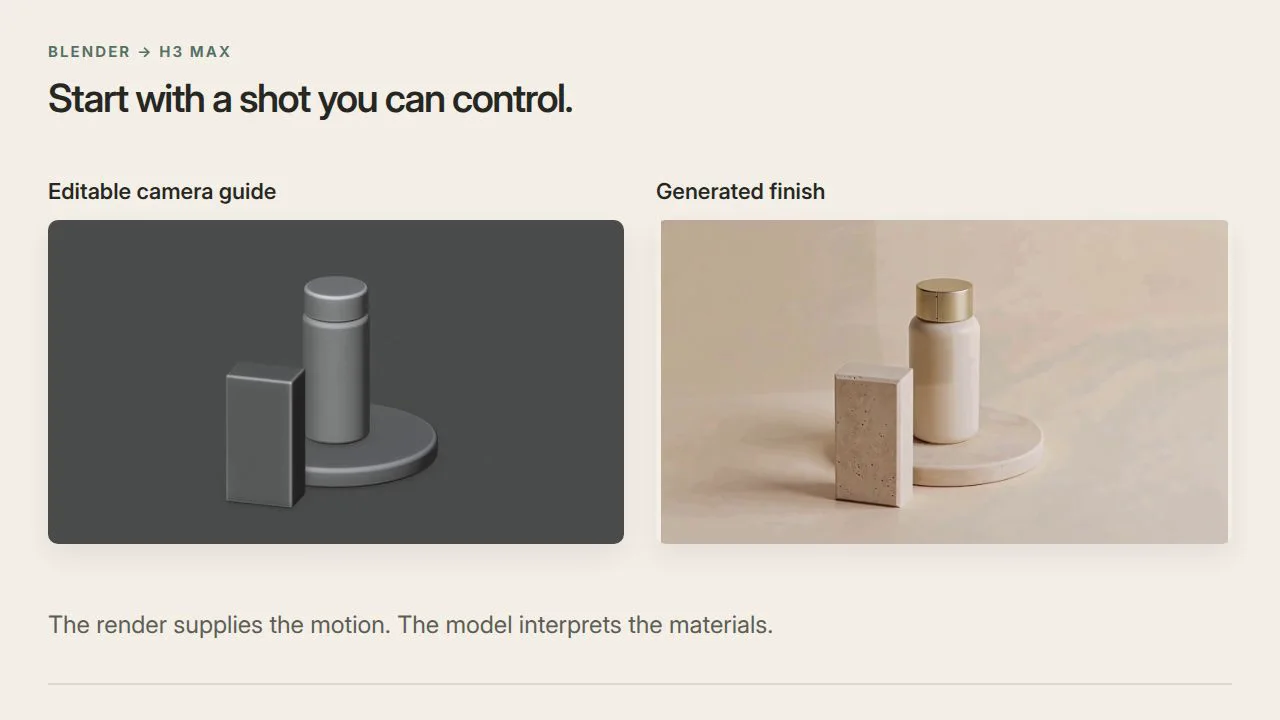
Direct an AI camera move with a rough Blender scene
Build an editable camera guide, turn it into a finished AI video, then revise the shot with a frame-pinned note in Voyager. Prompts and source files included.
Techniques·Sep 29, 2026·4 min read
Add sound to a silent clip without losing control of the timing
Try automatic audio and separate Foley prompts on one clip, download the stems, then fix one mistimed sound through a pinned review in Voyager.
Techniques·Sep 29, 2026·3 min read
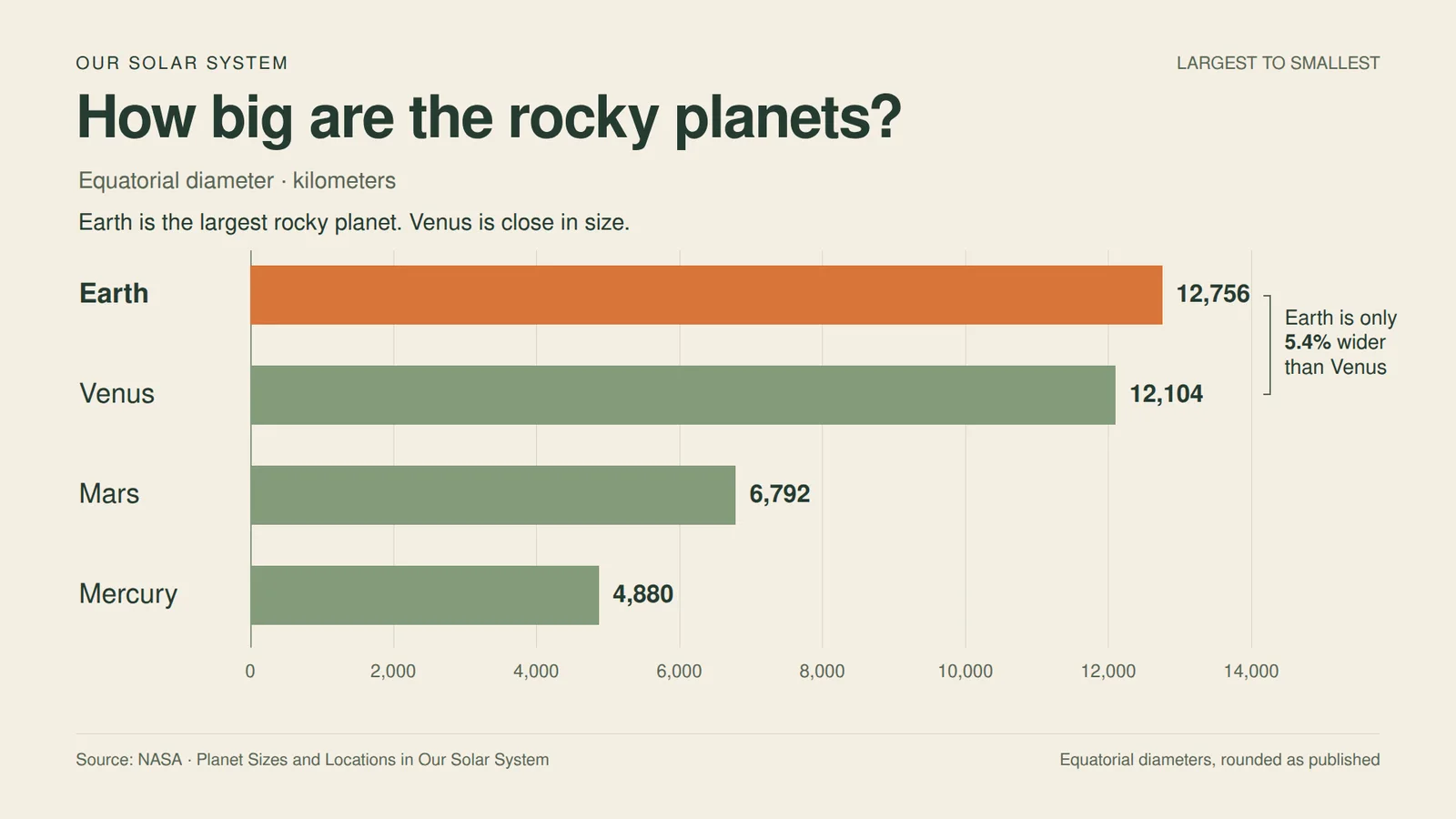
Turn a CSV into a chart people can watch
Make an accurate chart video with a reusable Remotion prompt, then use pinned video feedback in Voyager to clarify the comparison and keep the source editable.
Techniques·Sep 18, 2026·8 min read
Remove a green screen in DaVinci Resolve Free
Use Delta Keyer in DaVinci Resolve Free, clean the matte, remove studio gear with an animated mask, and inspect green spill on real footage.
Techniques·Sep 18, 2026·10 min read
Remove background noise in DaVinci Resolve Free with AI
Clean noisy dialogue with an AI assistant, check the timing, and bring the audio back into DaVinci Resolve Free. Includes before-and-after samples and a project download.
Techniques·Sep 18, 2026·10 min read
Remove a video background in DaVinci Resolve Free with AI
Remove a background without a green screen or Magic Mask. Create an AI cutout, import its alpha channel into Resolve Free, and check the edges on real footage.
Techniques·Sep 18, 2026·7 min read
Smooth slow motion in DaVinci Resolve Free
Compare Nearest, Frame Blend, and Optical Flow on real footage. Make smooth slow motion in Resolve Free, then inspect the ghosting and overlap artifacts.